Designing Memorable Invites: The Monogram Letter D Style
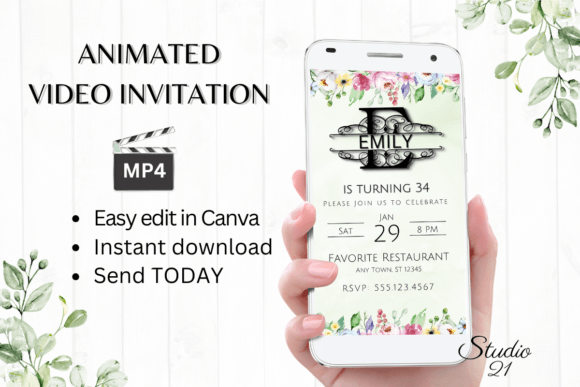
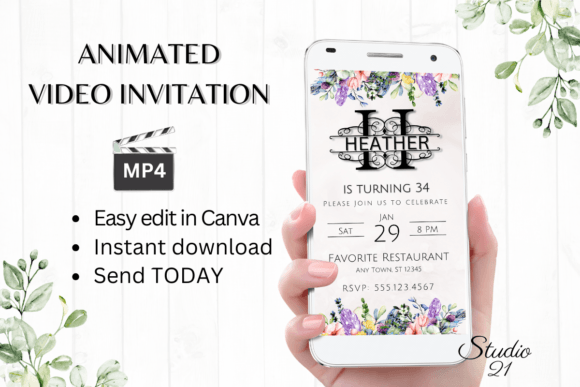
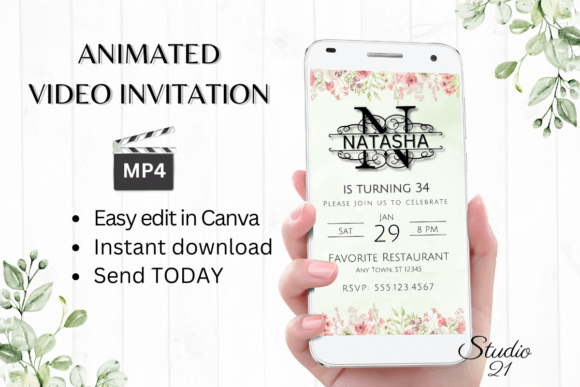
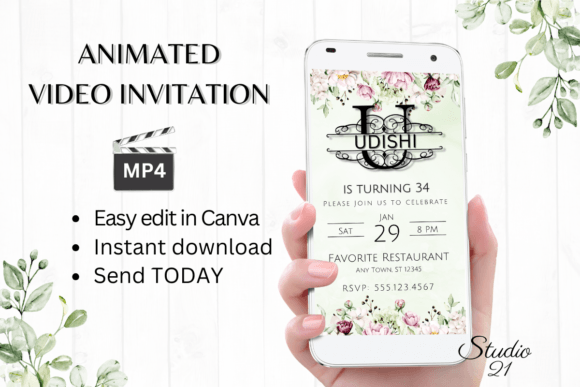
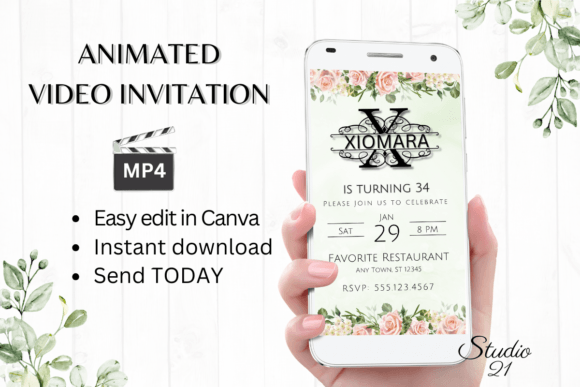
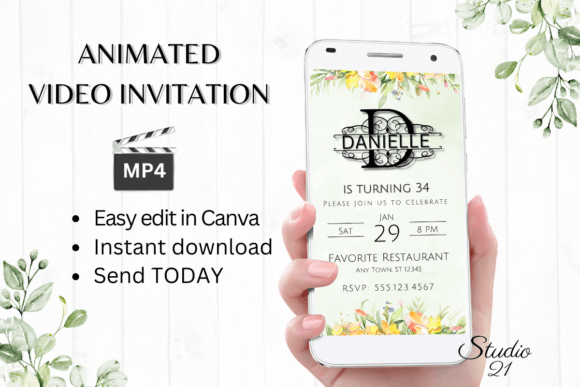
There is a specific moment in party planning where the excitement truly begins: the moment you hit "send" on the invitations. For a long time, creating a digital invite that felt premium and personalized required a steep learning curve in software like After Effects or hiring a freelancer. However, the landscape of digital stationery has shifted dramatically. We are seeing a rise in "editable video"—dynamic, animated templates that offer the polish of a professional video with the accessibility of a drag-and-drop editor. This shift is particularly evident in the demand for monogram-style designs, such as the Birthday Invitation (Monogram Letter D), which blends classic elegance with modern digital convenience.
The Appeal of the Animated Monogram
The monogram has always been a staple in branding and stationery. It conveys ownership, tradition, and a certain level of sophistication. When you apply this concept to a digital animated video invitation, you create something that stops the scroll. The "Letter D" design, for instance, isn't just text on a screen; it is a visual anchor. Whether it is used for a "D" named individual (like a sweet sixteen, a 50th birthday, or a baby shower) or as a stylized element for a brand launch, the monogram provides immediate visual hierarchy.
What makes this specific style of template so visually appealing is the combination of movement and typography. A static image can get lost in a busy text thread, but an MP4 file demands attention. The animation draws the eye to the details—the date, the location, and the theme. For the modern host or event planner, this is a way to signal that the event is curated and thoughtful without needing to spend hours on complex editing.
Practical Applications Beyond the Party
While the primary use case is clearly for birthday celebrations, the versatility of a high-quality animated template extends into several other professional and creative domains. If you are a small business owner or a content creator, looking at these templates through a different lens can unlock new design assets for your brand.
Consider these practical applications:
- Social Media Storytelling: The vertical format (1080 x 1920 px) is perfectly optimized for Instagram Stories, Reels, and TikTok. A business with a name starting with "D" could use this template to announce a sale, a new product drop, or a live stream event. The motion graphics keep the viewer engaged longer than a static post.
- Digital Product Mockups: If you sell digital goods, you can use the template structure to create "how-to" guides or quick tips. The animated text effects can highlight key steps in a process, making educational content more digestible.
- Branding Consistency: For a brand centered around a specific initial, having a suite of assets that share the same visual language is crucial. This template can serve as a lower-third intro for a YouTube video or a transition graphic for a webinar.
- Client Presentations: Instead of a static PowerPoint slide, imagine opening a client pitch with a sleek, animated title card featuring their company initial. It sets a professional tone immediately.
Seamless Workflow: The Canva Advantage
One of the biggest hurdles in design is the software barrier. Professional video editing software is expensive and has a steep learning curve. The integration of these templates with Canva changes the game for non-designers and busy professionals alike. The workflow is designed for speed and efficiency. You do not need to download heavy software, manage font files, or worry about rendering settings. You simply click the link provided in your PDF download, and you are instantly transported into an editable environment.
This "immediate access" feature is vital for anyone working on a tight timeline. If you are a last-minute planner or a business owner reacting to market trends, you need a tool that keeps up with your pace. The ability to make basic edits on a smartphone is another significant advantage. You can swap out text, change the color palette to match your brand guidelines, or alter the font style while sitting in a coffee shop or commuting. It democratizes high-end design, allowing you to produce professional-grade marketing assets or personal invitations without the overhead.
Refining Your Visual Message
Typography is more than just choosing a pretty font; it is about communication. When utilizing a template like the Birthday Invitation (Monogram Letter D), you have the opportunity to fine-tune the visual message. The editing options available—changing font style, color, size, and text effects—allow you to tailor the design to the specific "vibe" of your event or brand.
For example, if you are planning a sophisticated evening event, you might pair the monogram with a classic serif font and a dark, moody color scheme. Conversely, if this is for a child's birthday or a playful brand, you might opt for a sans-serif font with bright, energetic colors. The ability to change the animation style is equally important. Some animations are subtle and professional, while others are bouncy and fun. Matching the motion to the tone of your message ensures that the viewer receives the right impression immediately.
Consider the technical side of readability as well. While it is tempting to choose elaborate script fonts, ensure that the essential information (the "Who, What, When, and Where") remains legible, especially on smaller mobile screens. A good rule of thumb is to use the decorative monogram style for the headline and a clean, sans-serif font for the details. This contrast creates a dynamic visual hierarchy that guides the viewer's eye from the art to the information.
Streamlining the Sharing Process
The ultimate goal of an invitation is to be received and opened. In the past, sending a video file was often cumbersome due to large file sizes or incompatible formats. However, the modern workflow for these digital evites solves this friction point. By downloading the personalized template as an MP4 file, you create a universal format that can be shared almost anywhere.
Think about the user journey: you edit the template, download the video, and send it. It works seamlessly across iMessage, WhatsApp, Messenger, and email. This versatility is crucial for reaching your audience where they are. For businesses, this means you can share a product launch video directly in a customer support chat or a newsletter. For personal use, it means you don't have to worry about your Aunt Susan not being able to open the file on her tablet. Furthermore, the option to share via a link adds another layer of accessibility, perfect for embedding in a digital newsletter or pinning to the top of a social media profile.
Elevating Your Design Assets
Investing in high-quality design assets is an investment in your credibility. Whether you are a hobbyist crafting a personal celebration or a professional curating a brand identity, the tools you use reflect the care you put into your work. A generic, text-only invitation suggests a lack of effort, whereas a polished, animated video invitation suggests professionalism and attention to detail.
The Birthday Invitation (Monogram Letter D) template serves as a prime example of how modern design assets can bridge the gap between personal creativity and professional execution. It proves that you do not need to be a motion graphics expert to produce moving content. By leveraging these accessible tools, you can ensure that your next announcement—whether it’s a birthday party, a brand milestone, or a creative project—lands with impact and style. It is about working smarter, utilizing the resources available to you, and focusing on what matters most: connecting with your audience.