Streamline Your Food Business Marketing with This Bundle
Every small food business owner knows the struggle: you have a fantastic menu, but translating that quality into a compelling visual flyer often feels like a task for a professional agency. The "Food Flyer Bundle" is designed to bridge that gap, offering a curated collection of design assets that allow you to create professional-grade marketing materials without the steep learning curve of complex design software.
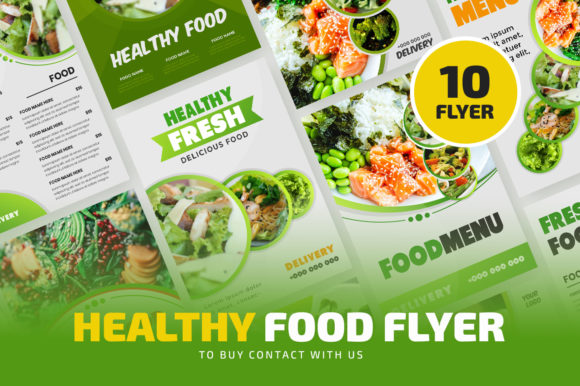
This bundle isn't just a random collection of files; it's a toolkit for visual storytelling. With a total of 10 distinct files included, you get a variety of layouts tailored for the food industry—think menus, special offers, event promotions, and seasonal campaigns. Each file is formatted in A4 size, ensuring they are print-ready and high-quality, which is crucial for flyers that need to look sharp both in-hand and in digital previews. The templates are built with well-organized layers, making the customization process intuitive even for those with basic design knowledge.
A Practical Toolkit for Real-World Branding
Visual consistency is the backbone of brand recognition. When a customer sees your flyer, social media post, or menu, they should immediately connect it to your brand's identity. This bundle helps establish that consistency. Because you can easily change logos, text, and object colors, you can ensure every piece of marketing material aligns with your brand's color palette and typography. This creates a cohesive look across all touchpoints, from a printed poster in your window to a digital graphic shared on Instagram.
The practical applications extend far beyond simple flyers. Consider using these templates for:
- Packaging Inserts: Design thank-you cards or discount coupons to include with takeout orders.
- Social Media Graphics: Adapt the A4 layouts for Instagram posts or Facebook ads by adjusting the composition.
- In-Store Signage: Create table tents, wall posters, or menu boards for daily specials.
- Event Invitations: Promote a cooking class, wine tasting, or grand opening with a polished, professional look.
- Blog & Website Banners: Use elements from the flyers to create consistent visuals for your online presence.
The key is that these are 100% editable assets. You're not locked into a single design. You can mix and match elements, resize components, and repurpose layouts to fit various needs, making this a versatile addition to your design assets library.
How to Use This Bundle Effectively
Getting started is straightforward, but a few best practices will help you get the most out of the files. The bundle is designed for Adobe Illustrator, supporting both Ai and EPS formats from CS versions onwards. Before you begin, it's essential to install the recommended free fonts used in the templates. This ensures that the text displays correctly when you open the file, preventing any layout issues or missing typography.
Once set up, the customization process is user-friendly:
- Updating Your Logo: Use the selection tool to click on the existing logo placeholder. Simply delete it and place your own logo file. The template's structure will help you position it correctly.
- Editing Texts: Switch to the type tool, click directly on any text block—whether it's a headline, body copy, or a call-to-action—and replace it with your own messaging. This is where you inject your brand's voice.
- Changing Colors: Select any object, such as a background shape, an icon, or a border, and use the color palette to apply your brand's specific hues. This simple step is what transforms a generic template into a unique brand asset.
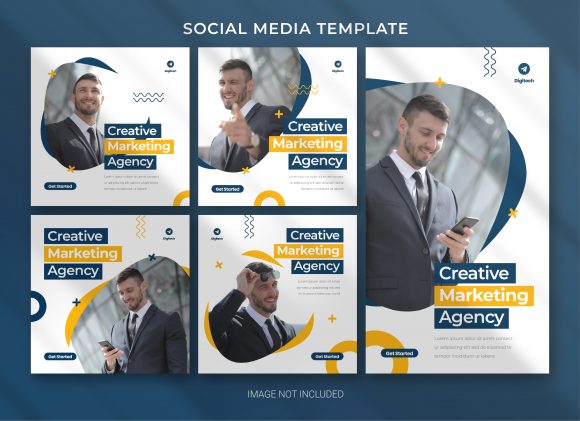
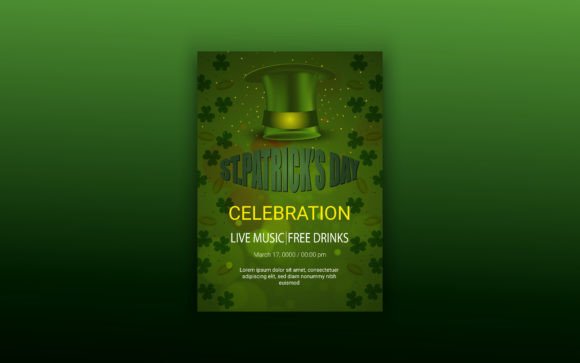
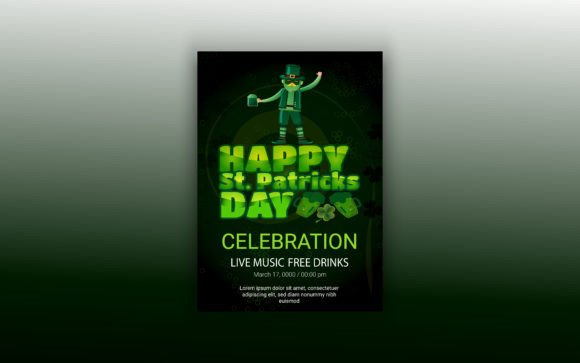
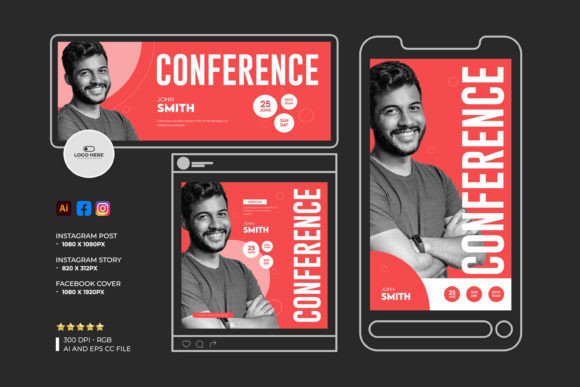
Remember, the images shown in the previews are not included. This is common with design bundles, as it allows you to insert your own high-quality food photography, which is always more authentic and engaging than stock images.
Design Tips for Maximum Impact
While the templates provide a strong foundation, a thoughtful approach to design will elevate your final product. First, consider your typography pairing. The bundle includes free fonts, but you may want to pair them with your brand's primary typeface. A good rule of thumb is to combine a bold, attention-grabbing display font for headlines with a clean, highly readable sans-serif font for body text. This creates a clear visual hierarchy that guides the reader's eye.
Readability is paramount. Ensure there is sufficient contrast between your text and background colors. Avoid overly decorative fonts for large blocks of body copy. Keep your message concise and focused; a flyer has a few seconds to make an impression, so highlight the most important information—like a special offer, a new menu item, or an event date.
Finally, think about the commercial licensing. Since these assets are intended for business use, you can confidently use the designs you create for commercial projects, whether you're printing thousands of flyers or selling digital products. This makes the bundle a cost-effective solution for ongoing marketing needs.
By leveraging a well-organized, editable template bundle like this, you save countless hours of design time. You gain the ability to produce professional, brand-aligned marketing materials on demand, which is a significant competitive advantage. It allows you to focus on what you do best—creating great food and memorable customer experiences—while your marketing materials work effectively to attract new patrons and keep regulars engaged.