Friendsgiving Invitation: A Modern Digital Template
There's a unique magic to Friendsgiving—a celebration of the family we choose, filled with laughter, shared dishes, and the warmth of connection. Setting the tone for such a gathering starts with the invitation. A generic text message or a static image can feel underwhelming for an event that’s all about togetherness and style. This is where a thoughtfully designed digital animated video invitation transforms the first impression, turning a simple notification into an engaging preview of the festivities to come.
More Than an Invite: A Visual Experience
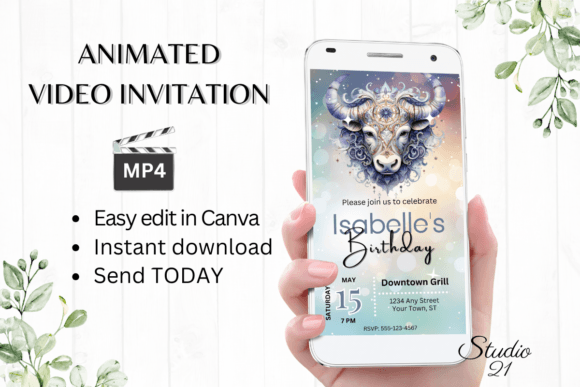
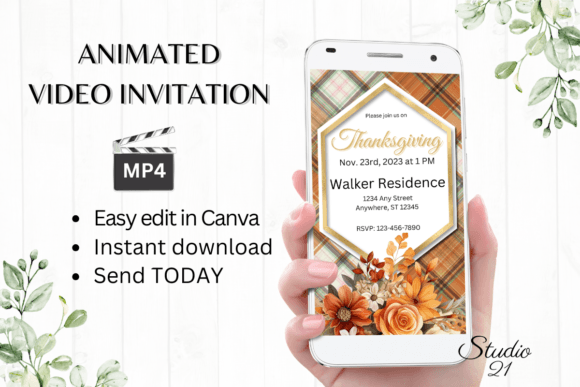
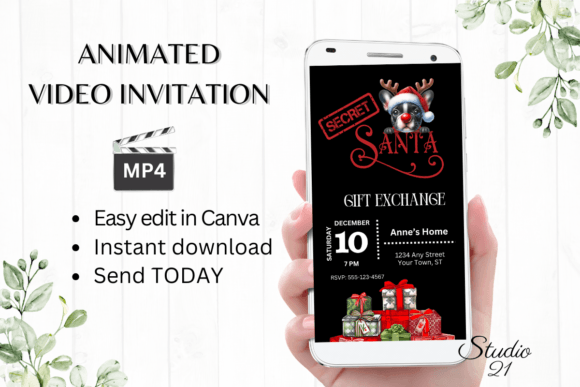
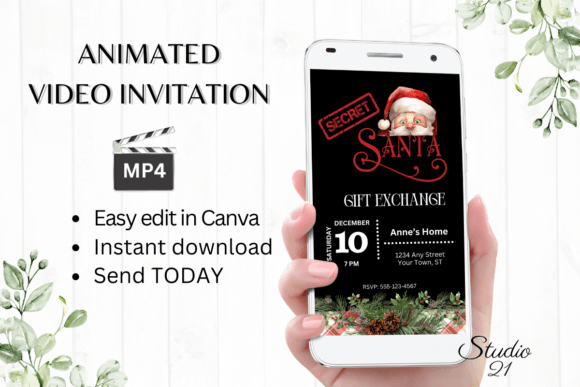
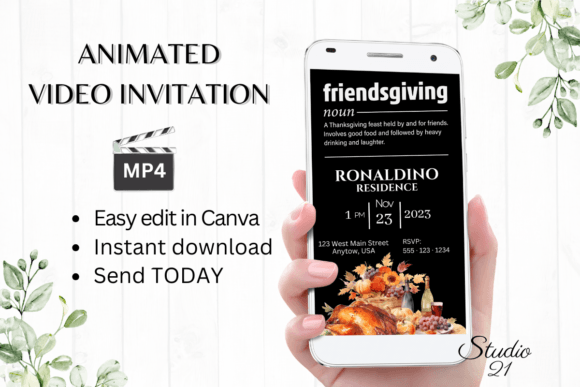
A static invitation has its place, but an animated template captures the dynamic spirit of a modern gathering. Imagine an invitation where leaves gently fall across the screen, a cozy fireplace flickers in the background, or the event details elegantly fade in with a smooth transition. This isn't just about conveying information; it's about creating an emotional response. The visual appeal lies in its ability to feel personal, festive, and intentionally crafted, signaling to your guests that this event is something special.
The practical beauty of a template like this is its accessibility. You don't need to be a motion graphics expert or invest in expensive software. The core of the process is editing within a familiar platform like Canva. This democratizes design, allowing anyone to create a professional-looking animated evite. The ability to personalize text, change fonts, adjust colors, and even modify animations means your invitation will be a true reflection of your planned event's vibe, whether it's elegant and formal or casual and playful.
Practical Applications Beyond the Dinner Table
While the primary use is clear, the skills and assets involved in this process have broader applications for creators, entrepreneurs, and designers. Think of this template not just as a one-off invitation, but as a case study in effective digital communication.
- Social Media Content: The animated format is perfect for Instagram Stories, Reels, or Facebook posts to announce events, sales, or new products. The same principles of engaging motion apply.
- Digital Marketing: Small businesses can use similar animated templates for holiday sale announcements, webinar invites, or special offer promotions, increasing engagement over static ads.
- Brand Building: Consistent use of custom animations, fonts, and color schemes across invitations, social media, and websites strengthens brand recognition. A cohesive visual language builds trust and professionalism.
- Content Creation: Bloggers and content creators can use animated elements for video intros, subscribe prompts, or to highlight key information in educational content.
The process of selecting a font style for your invitation—choosing between a warm, readable serif for classic elegance or a clean sans-serif for a modern touch—is the same decision-making process used in logo design, packaging, and editorial layouts. It’s about matching typography to the project's goal and audience.
Streamlining Your Creative Workflow
The true value of a well-structured template lies in its efficiency. The promise of downloading, editing, and sending within minutes is a game-changer for busy hosts and professionals. This efficiency stems from a few key features:
- Immediate Access: No waiting for proofs or physical shipments. You receive a PDF with a direct link to start editing right away in your web browser.
- Platform Agnostic: Whether you're on a desktop for detailed work or making a quick tweak on your smartphone, the template is accessible. This flexibility is crucial for on-the-go adjustments.
- Clear Deliverables: You know exactly what you're getting: a link to the editable template and a user guide. This transparency is a hallmark of professional design assets.
This model—providing a customizable, high-quality template with clear instructions—mirrors how many successful digital product businesses operate. It’s about empowering the user with tools and guidance, reducing friction, and delivering immediate value.
Making It Uniquely Yours
The final step is personalization. The editing options available—changing text effects, swapping out animations, and fine-tuning fonts—are where your personality shines through. Here’s some practical advice for this stage:
- Prioritize Readability: While a script font might look beautiful, ensure the key details (date, time, address) are in a highly legible typeface. Test it on a small screen.
- Maintain Visual Consistency: Use the color picker to match your home decor or a specific autumnal palette. Stick to two or three complementary fonts for a clean, professional look.
- Consider the Medium: Since you'll download it as an MP4 to share via text or social apps, keep the file size in mind. Sometimes a shorter, more impactful animation works better than a long, complex one.
- Review Commercial Licensing: If you're adapting this template style for a business promotion or a client project, always verify the licensing terms for the fonts and assets included. Most templates for personal use allow commercial edits, but it's a critical step for professional work.
In the end, the goal is to create an invitation that does more than inform—it excites. It sets the scene for the shared meal and good company to come. By leveraging a flexible digital template, you’re not just sending a message; you’re crafting an experience that begins the moment your guest opens it. This approach to design, focused on clarity, personalization, and smart workflow, is a skill that translates directly into more effective visual communication across all your creative projects.