Animated Christmas Invitations: A Festive & Effortless Guide
The holiday season is a whirlwind of planning, decorating, and connecting with loved ones. Amidst the hustle, sending out invitations shouldn't feel like another chore on your list. Imagine capturing the sparkle of Christmas lights and the warmth of a crackling fire in a digital greeting that arrives instantly, delighting your guests before the party even begins. This is the magic of modern, animated digital invitations, transforming a simple notice into an immersive festive experience.
Capturing Holiday Magic in Motion
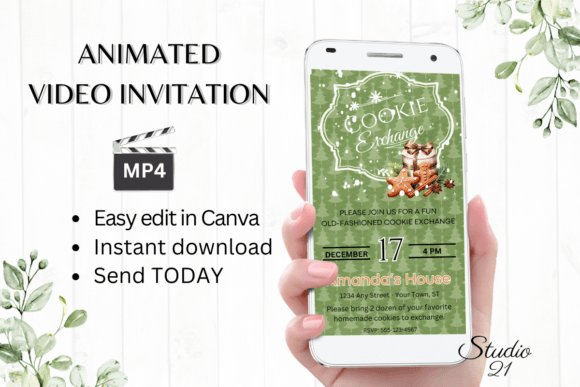
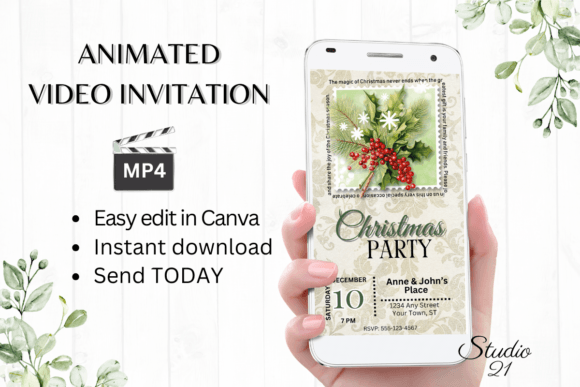
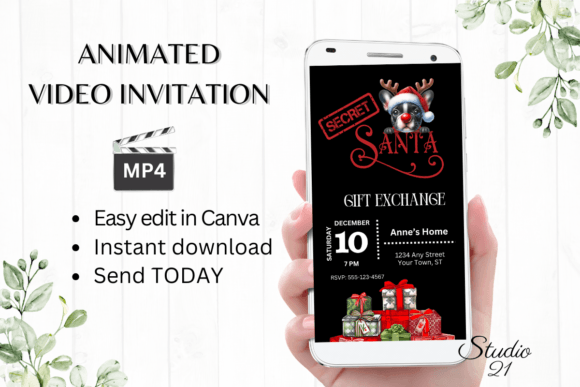
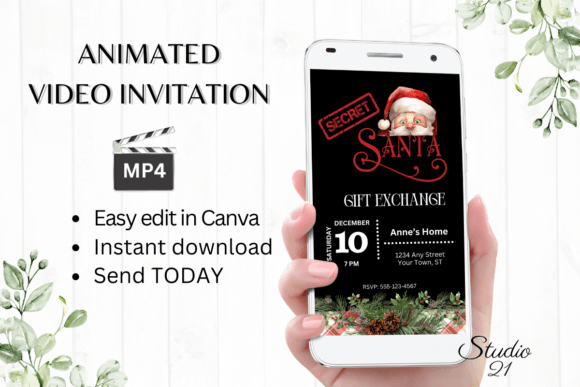
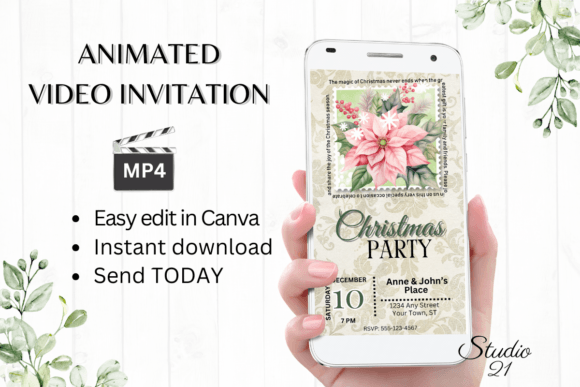
An elegant Christmas invitation with animation does more than just convey details; it sets a mood. A static image can show a beautifully decorated tree, but an animated one can make the lights twinkle gently and snowflakes drift softly across the scene. This subtle motion immediately engages the viewer, creating a sense of anticipation and joy. The visual appeal lies in this dynamic storytelling—it’s an invitation that feels alive, mirroring the vibrant energy of the holiday season itself. The focus isn't on flashy effects, but on tasteful, elegant movements that enhance the classic festive motifs we all know and love.
From Personal Gatherings to Professional Brand Touchpoints
While perfect for a family Christmas dinner or a neighborhood holiday party, the utility of a polished, animated invitation template extends far into professional realms. For small business owners, entrepreneurs, and marketers, it's a powerful tool for year-end engagement.
- Client Appreciation Events: A boutique, agency, or consultancy can send a stylish animated invite to a holiday open house or virtual cocktail hour, reinforcing brand personality and showing valued clients they are appreciated.
- Social Media Campaigns: Use the animated MP4 file as a video post or story to announce a holiday sale, a festive giveaway, or a special December webinar. Motion graphics consistently stop the scroll more effectively than static posts.
- Internal Team Celebrations: Boost morale by sending a fun, animated invitation to the company's virtual or in-person holiday party. It adds a layer of excitement and professionalism to internal communications.
- Brand Consistency: By customizing the template's colors and fonts to match your brand guidelines, you ensure your holiday communications are seamlessly integrated into your overall brand identity, maintaining recognition even in festive contexts.
The Practicality of a Canva-Based Digital Template
The real power of this kind of design asset is its accessibility. You don't need to be a motion graphics expert or own expensive software. The entire process is designed for immediacy and ease, centered around the widely-used platform Canva.
You receive a simple PDF with a direct link to the template. One click, and you're in the editor. Here, you have complete creative control. Personalize every text field with your event details. Swap out fonts to match your style—perhaps a elegant script font for names and a clean sans serif font for the details. Adjust colors, move elements, and even change the animation style within Canva's intuitive interface. There's no waiting for a designer to send proofs; you are the designer, making changes in real-time until it's perfect.
Optimizing Your Invitation for Impact and Clarity
As you customize, keeping a few typography and design principles in mind will ensure your invitation is both beautiful and effective.
- Prioritize Readability: While a decorative display font can be stunning for a headline, ensure all critical information (date, time, location, RSVP link) is in a highly legible typeface. Test it on a mobile screen, as most recipients will view it there.
- Font Pairing with Purpose: A classic approach is to pair a expressive script font with a stable serif or sans serif font. This creates a visual hierarchy that guides the eye naturally from the festive title to the essential details. Avoid using more than two or three font styles to keep the design cohesive.
- Color and Contrast: Ensure your text has sufficient contrast against the background, especially over any animated elements. Dark text on a light background or vice versa is typically safest for readability.
- Leverage the Motion: Use the animation to highlight key information. Canva allows you to adjust text effects. A subtle fade-in or gentle bounce on the RSVP deadline can draw attention without being distracting.
Beyond the Invitation: A Versatile Festive Asset
Think of the downloaded template not as a single-use item, but as a starting point for a suite of holiday communications. Once you've customized the core invitation in Canva, you can duplicate the design and adapt it for other purposes.
- Social Media Graphics: Use a single, stunning frame from your animation as a static post for Instagram or Facebook, creating visual consistency across platforms.
- Website Banner: Embed a shortened version or a static image on your website's homepage to announce holiday hours or special seasonal offerings.
- Email Newsletter Header: The visual style can inspire the header design for your December email campaigns, tying all your holiday messaging together.
- Digital Product Packaging: If you sell digital goods like planners, art prints, or gift certificates, this festive aesthetic can be adapted to create holiday-themed mockups or cover art.
The value lies in the immediate access and full editability. Because you're working with a premium font and design template in a robust platform like Canva, the result looks polished and professional, whether it's for a personal celebration or a business campaign. It’s a solution that respects your time while delivering a high-quality, engaging result, ensuring your holiday message is heard, seen, and felt. In a season often dominated by clutter, a thoughtfully designed and animated invitation stands out, offering a moment of delight to everyone who receives it.